


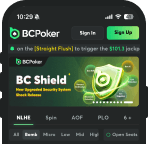




BC Poker Login: Sign In and Get Back to the Tables
A BC Poker login takes one screen and a few seconds, whether you play in a desktop browser, the downloadable client, on a phone or through the Telegram Mini-App. BC Poker is part of the BC.Game ecosystem, so the same account opens the poker lobby, the casino, the sportsbook and one shared crypto wallet – there is no second password to remember. This guide covers every way to sign in, step-by-step instructions for each device, how to protect the account with 2FA and how to fix the login problems players run into most often. New players who have not registered yet get a $5 bonus after sign-up and 10% on the first deposit (from $10) up to $200, credited straight to the wallet.
Where to Find the Login Button
The Sign In button sits in the top-right corner of every page on the official site, right next to Sign Up. The mobile browser version uses exactly the same layout, so moving from a laptop to a phone does not mean hunting for the form again. If you do not have an account yet, register with BC Poker first – the login form only accepts details that are already linked to a profile. Every entry point below leads to the same account and shows the same wallet balance in real time.
| Platform | Where to sign in | Good to know |
|---|---|---|
| Desktop browser | Sign In button, top-right corner | Works in any up-to-date browser |
| Windows and Mac client | Login screen on launch | Convenient for multi-tabling |
| Mobile browser | Same button, top-right corner | Nothing to install |
| PWA on the home screen | Icon opens the form directly | Added via the browser menu in under a minute |
| Android app (APK) | Login screen inside the app | Download only from the official site |
| Telegram Mini-App | @bcpoker_official_bot | Uses your Telegram account |
BC Poker Sign In Options
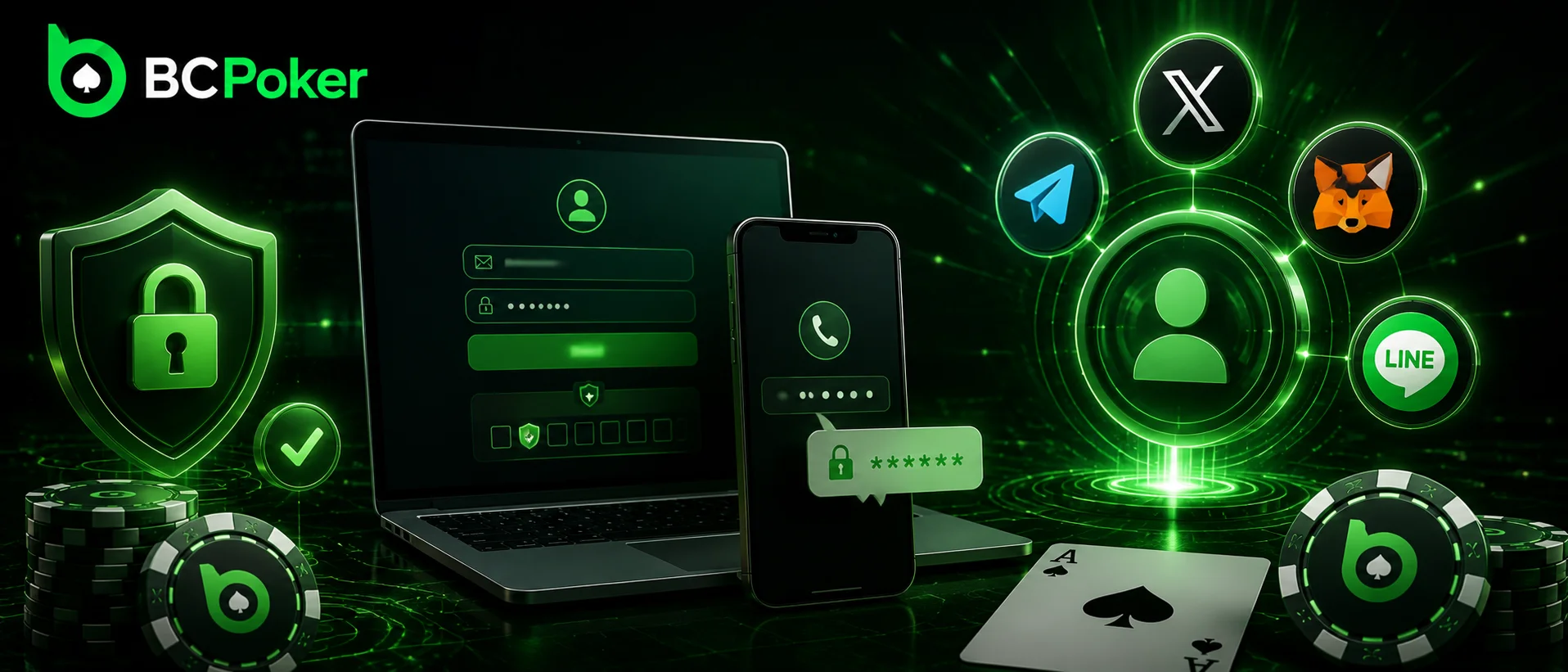
All sign-in methods are on one screen: the standard fields at the top and quick-access icons below them. Use the method you chose at registration – a profile created with a phone number will not open if you type an email that was never linked to it.
| Method | What you enter | Extra check | Best for |
|---|---|---|---|
| Email + password | One-time email code on first sign-in or a new device | Desktop play | |
| Phone | Number + password or SMS code | SMS code on a new device | Accounts created on mobile |
| Telegram | One tap on the Telegram icon | Confirmation inside Telegram | Fast access, no typing |
| MetaMask | Wallet signature | Approving a sign-in message | Crypto-first players |
| 2FA (on top of any method) | 6-digit Google Authenticator code | Asked at every login once enabled | Anyone holding a balance |
Email and Password
The classic BC Poker log in route is the registered email plus a password. On the very first sign-in, and later on any device the system does not recognize, a one-time code arrives by email to confirm it is really you; on a familiar device this step is skipped. With 2FA switched on, a six-digit authenticator code is requested after the password every time, and that layer stays on by design. Typos are the most common reason this method fails, so check Caps Lock and make sure your password manager is not filling in an old password.
Phone Number and SMS Code
A registered mobile number works as a full replacement for email, not just a backup. Enter the number with your password or request a one-time SMS code, and on a new device the platform sends a code to confirm the session. Under normal network conditions it arrives within seconds, while a weak signal can stretch that to a minute or two. Requesting codes again and again in a short time triggers a cooldown, so wait for the first one before asking for another.
Telegram and Web3 Wallet Login
The icons under the form let players skip the password entirely. Telegram signs you in through the account already open on your phone or computer, and since August 2026 the same account also opens the BC Poker Telegram Mini-App. MetaMask replaces the password with a cryptographic signature: the wallet shows a sign-in message, you approve it, and no funds move. The set of quick-access icons can differ slightly between the website and the apps, so stick to the method you used at registration to land in the same profile.
How to Log In to BC Poker Step by Step
The sequence is almost identical everywhere – only the entry point changes. Below are the three routes most players use.
Desktop Browser and Client
Desktop is where most multi-table sessions happen, so it is worth getting the routine right once.
- Open the official site in an up-to-date browser or launch the Windows or Mac client;
- Click Sign In in the top-right corner;
- Choose email, phone, Telegram or MetaMask and enter your details;
- Type the six-digit Google Authenticator code if 2FA is on;
- Wait for the lobby to load – the wallet balance and active bonuses appear immediately.
Mobile Browser and App
On a phone, the BC Poker app login works exactly like the website, just with a thumb-friendly layout. Players who want a home-screen icon can download the BC Poker app or add the site as a PWA through the browser menu.
- Open the app, the PWA icon or the site in Chrome or Safari;
- Tap Sign In;
- Enter your details or tap a quick-access icon;
- Confirm with an SMS, email or authenticator code if asked;
- Allow Face ID or fingerprint unlock if your phone and browser support it, so the next login takes a single scan.
Telegram Mini-App
The Mini-App launched in August 2026 and opens the poker room inside Telegram without installing anything else.
- Open Telegram and search for @bcpoker_official_bot;
- Make sure it is the official bot linked from BC Poker’s channels before tapping Start;
- Launch the Mini-App and confirm access with your Telegram account;
- Use the built-in crypto cashier to deposit and take a seat.
Only your Telegram username is shown at the tables, and no documents are requested to get started. Standard identity checks can still apply later, for example before a large withdrawal.
Email Verification and KYC Are Different Checks
Two kinds of verification can appear around a login, and mixing them up costs time. Email verification only proves that the address you registered belongs to you, and until it is confirmed, signing in right after registration may not go through. KYC is a separate identity check described in the KYC policy – it usually comes up before withdrawals, after unusual account activity or when a login arrives from an unexpected location.
So if a brand-new account will not let you in, look for the confirmation email in the inbox, spam and promotions folders before resetting the password. A confirmed email also does not mean KYC is complete, because the two are tracked separately. Keeping a photo ID and proof of address in one folder on your phone turns a KYC request into a five-minute task instead of a delay.
Securing Your Account With 2FA
A poker account that holds crypto is worth more to an attacker than an ordinary gaming profile: a stolen password can mean an instant withdrawal that cannot be reversed. The platform does its part with encrypted sessions, a login history with IP addresses and alerts about sign-ins from unfamiliar places, while most reserves are kept in offline cold storage and player funds are backed 1:1 and held separately from company assets. The rest depends on how you protect your own access.
Google Authenticator Setup
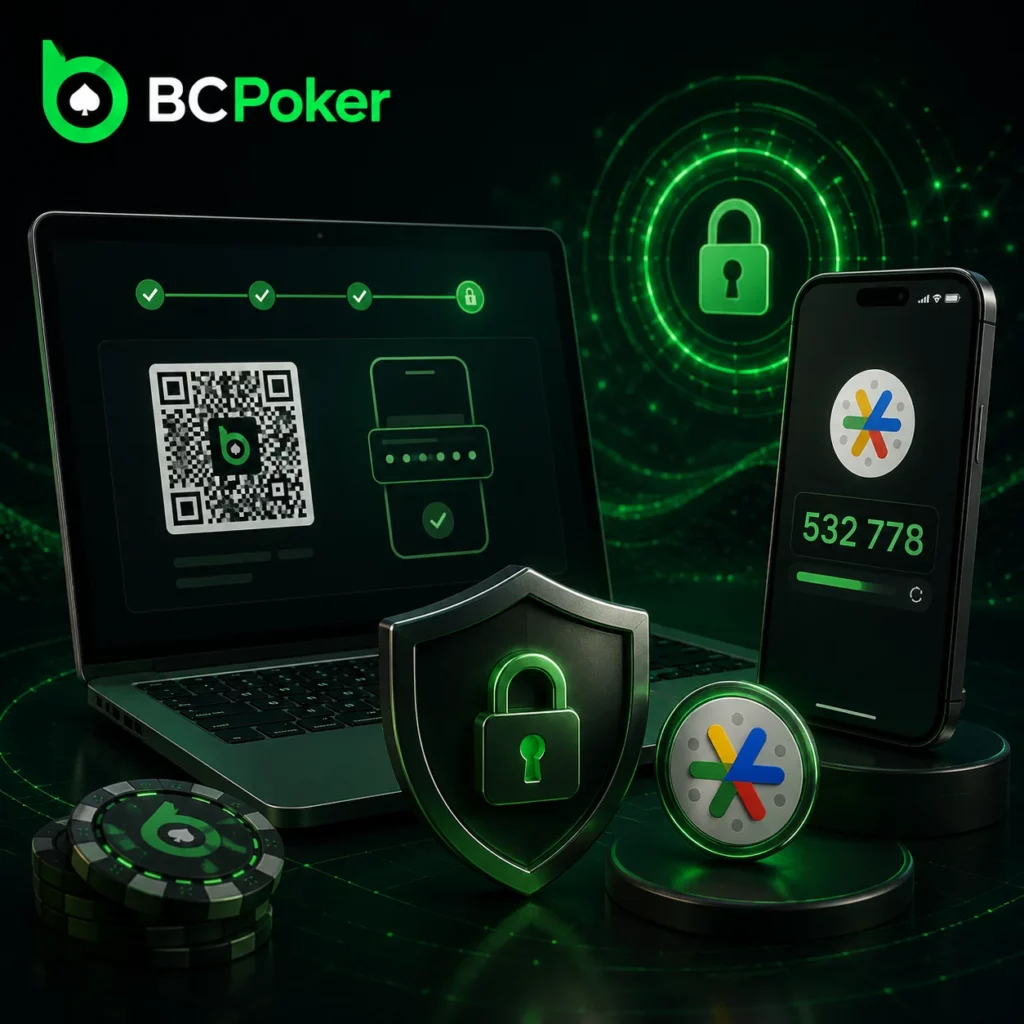
Google Authenticator is the supported second factor, and setup takes under five minutes after your first sign-in.
- Install Google Authenticator on your phone;
- Open the security section in your BC Poker profile;
- Select two-factor authentication and choose Google Authenticator;
- Scan the QR code with the app;
- Enter the six-digit code to confirm the link;
- If the platform shows backup codes, save them offline – on paper or in a password manager.
From then on, every login needs both the password and a fresh code, so a leaked password is useless without your phone.
Habits That Keep the Account Safe
Most account takeovers start with a fake page or a reused password, not with an attack on the platform itself.
- Use a unique password that you do not use anywhere else;
- Check the address bar before typing credentials, because phishing pages copy the sign-in form down to the last pixel;
- Never share 2FA or SMS codes, not even with someone who claims to be support;
- Tick Remember Me only on your own phone or laptop;
- Sign out completely on shared or public devices;
- Read login alerts in your inbox and change the password at once if you see a session you do not recognize.
New Devices, Saved Sessions and Multiple Logins
A correct password is not the only signal the system checks. Each login is compared with the devices, browsers and networks used before, so switching between your usual laptop and phone passes quietly, while a new device or an unusual location can trigger an extra check by email, SMS or 2FA. That check is not a password reset – it simply confirms that the person signing in is the account owner.
On a personal device you do not need to log in every time: a recognized session stays active between visits until you sign out, clear the browser data or stay idle long enough for it to expire. You can be signed in on desktop, mobile and Telegram at the same time – sessions run independently, and the wallet balance updates everywhere without a manual refresh. If something looks off on one device, signing out and back in there clears a stale session.
BC Poker Login Problems and Fixes
Most failed logins come down to a handful of causes. Spend half a minute matching the symptom to the table below before trying fixes at random, because repeated attempts can make a temporary lock last longer.
| Problem | Likely cause | What to do |
|---|---|---|
| “Incorrect password” | Typo, Caps Lock, autofill with an old password | Type it manually, then use Forgot Password |
| Login blocked for about 15 minutes | Too many failed attempts in a row | Wait for the timer to run out without new attempts |
| Verification email or SMS missing | Spam folder, typo in the address, weak signal | Check spam and promotions, wait 5 minutes, request a new code |
| 2FA code rejected | Expired code or phone clock out of sync | Turn on automatic time on the phone and use a fresh code |
| “Not serving players in your region” screen | Restricted country, VPN or proxy | Turn off the VPN and connect from your real location; restricted countries cannot be used |
| Account on hold | Automatic risk-control check | Confirm your identity through live chat |
| Site or app not loading | Maintenance or a network glitch | Check the official Telegram and X channels, clear the cache, switch between Wi-Fi and mobile data |
Forgot Password
Click Forgot Password on the sign-in form and choose email or phone. The reset link or code is time-limited, so open it straight away; an expired link simply has to be requested again. After the new password is saved, other open sessions may be signed out as a precaution. Before resetting, check that the email field has no extra space or domain typo – that alone explains a large share of failed logins.
Lost 2FA Device
Without the authenticator, the login stops at the second step, and the password alone will not get you further. If you saved backup codes, enter one instead of the six-digit code. If not, contact live chat support, available 24/7, and be ready to confirm your registered email, username and recent account activity such as deposits; once ownership is verified, support removes the old 2FA link so you can connect a new phone.
Locked or Suspended Account
A risk-control hold is automatic: it can follow a series of failed attempts, a login from an unknown device or an unusual transaction pattern, and it usually lifts after a cooling-off period or a quick identity check. A suspension is a manual decision, and the reason is sent to your registered email. In both cases, write to support instead of pressing the login button again and follow the steps they give you. Limits or a self-exclusion period set through the responsible gaming tools can also block access until they expire.
Why a Second Account Is Not a Fix
Registering again with a new email may look faster, but it adds a duplicate-account problem on top of a login one, and bonuses on either profile can be lost. Recover the original account instead: confirm the email, reset the password, and if that fails, let support locate the existing profile.
What Opens After You Sign In
A successful login takes you straight to the poker lobby – no promo splash screen in between – with the same structure on desktop and mobile.
- Cash: No Limit Hold’em, Pot Limit Omaha, Short Deck and All-in-or-Fold tables across a wide range of stakes;
- Tournament: daily MTTs and weekly guaranteed events with filters for buy-in, prize pool and start time;
- Spin Up: jackpot sit-and-go games with a randomly drawn prize pool;
- Wallet and bonuses: the shared BC.Game balance and active promotions, updated in real time;
- VIP counter: your progress through 18 levels from Bronze I to Royal III.
VIP points come from rake – every $1 paid adds 100 points – and rakeback grows from 10% to 50% as you climb, credited automatically on the 7th, 14th, 21st and 28th of the month or at each level-up. To compare formats before you sit down, see the overview of BC Poker rooms.