






Contact BCPoker Support: Ways to Reach the Team
Something goes wrong with a deposit, a login stops working, a bonus does not show up where it should, and suddenly you need a real answer, not a FAQ page. Support does not have to feel like a maze either, most issues on BCPoker resolve through one of a small handful of channels. Here is where BCPoker actually is reachable, and what to expect once a message goes out.
The Fastest Way to Reach Someone
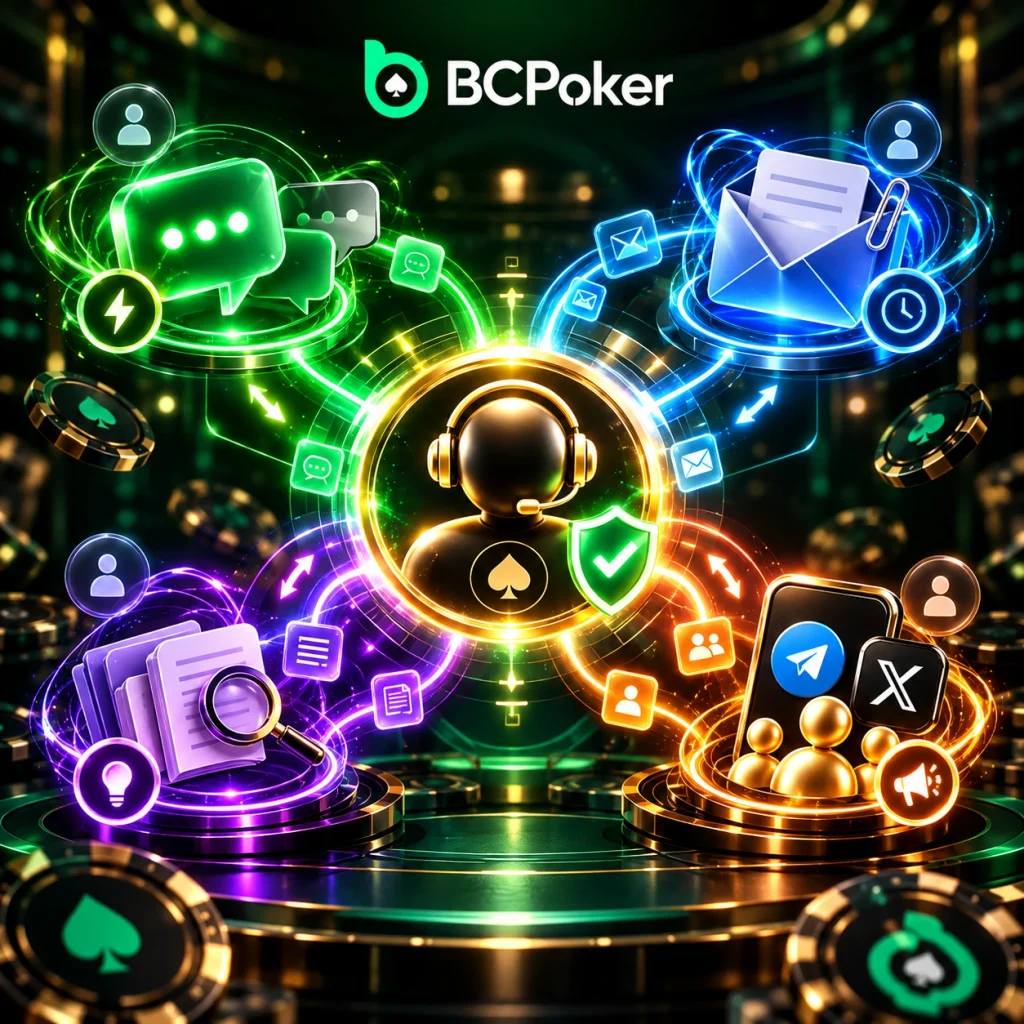
For most problems, live chat wins on speed, no contest, it is staffed around the clock and does not involve waiting on an email reply that might take hours. Anyone dealing with something more complicated, a payment dispute, a document needed for verification, might prefer email instead, since it is easier to lay out details and attach a screenshot without rushing. Both routes land with the same team on the other end, so the choice really comes down to how fast an answer is needed.
Email vs Live Chat, in Practice
Email tends to work better when there is something to attach, a screenshot of a failed transaction, a document for KYC, that sort of thing. A useful email usually includes:
- a short, clear description of what went wrong;
- an account or transaction reference if one exists;
- a screenshot, if the issue is something visual.
Live chat, on the other hand, handles quick stuff well. Login trouble, a question about where to find a setting, anything that benefits from a fast back-and-forth instead of a written thread.
Social Channels and Community Presence
BCPoker also keeps an official presence on X and Telegram, though those are mostly for announcements and general updates rather than one-on-one account help. They are still worth checking if something looks off, a promo code that seems too good, an announcement that seems out of place, since fake accounts occasionally pop up pretending to be official.
Before Sending a Message, Include This
A support message moves faster with a bit of context attached: the email tied to the account, roughly when the issue happened, and whatever error message showed up on screen, if any. One thing that should never appear in a support message: a password, a private wallet key, anything of that nature. Real BCPoker staff will never ask for that directly, and anyone who does is not actually BCPoker.
Check the Help Center First
A surprising number of questions, how long a withdrawal usually takes, what documents KYC actually needs, are already sitting in the Help Center. It is available at any hour, same as live chat, and often saves the wait entirely. Worth a quick look before typing out a full message, just in case the answer is already there.